Follow the example
Choose a step to follow the example. Opening a request lets you review it; it does not submit a job or change your account.
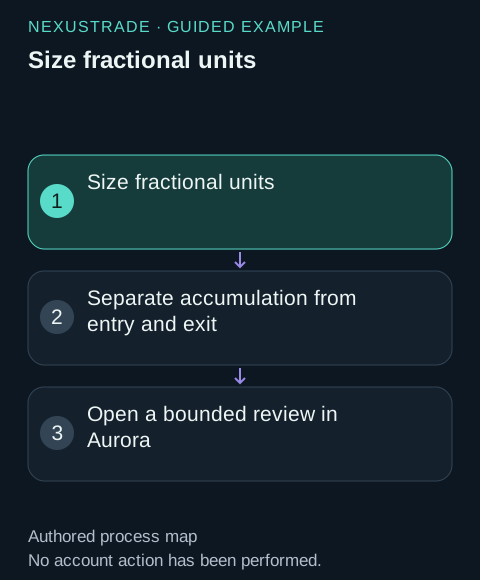
Size fractional units
The entry/exit examples allocate 95% of buying power and enable fractional units. The PositionValue = 0 entry check waits until the coin position is empty. The sell rule closes 100% of current positions when its exit condition is true. Inspect sent quantities and the remaining holdings in the events.
A task anchored to the same saved example and pair.
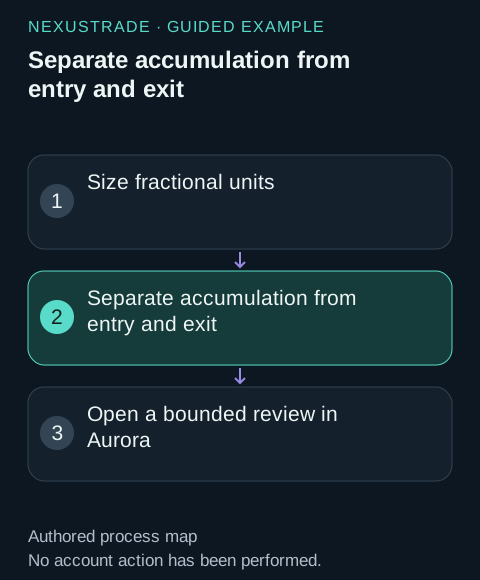
Separate accumulation from entry and exit
The weekly BTC accumulation example buys $150 when at least seven days have passed since the last filled purchase. It uses the original $10,000 cash balance without additional deposits and holds the accumulated units through the end of the test.
Units and timestamps that explain the result, not an unexplained headline return.
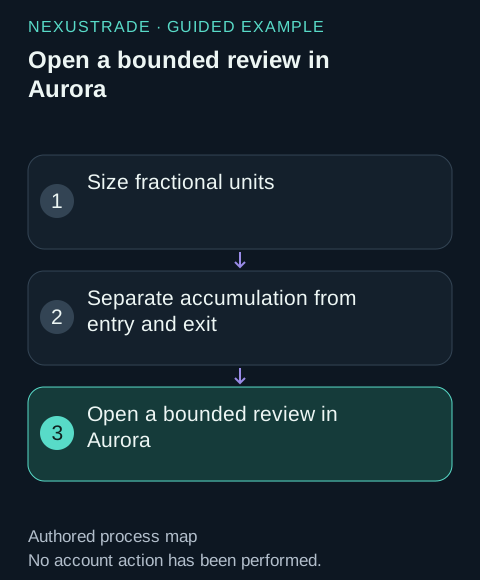
Open a bounded review in Aurora
Review your request with the exact candidate or returned test ID. Keep the full pair and all cost assumptions. Do not resubmit an already running test.
The next inspectable draft or read-only result request, with saving and execution left to explicit user action.
Size fractional units
The entry/exit examples allocate 95% of buying power and enable fractional units. The PositionValue = 0 entry check waits until the coin position is empty. The sell rule closes 100% of current positions when its exit condition is true. Inspect sent quantities and the remaining holdings in the events.
Separate accumulation from entry and exit
The weekly BTC accumulation example buys $150 when at least seven days have passed since the last filled purchase. It uses the original $10,000 cash balance without additional deposits and holds the accumulated units through the end of the test.
Inspect the exit
Follow the SellSignal and subsequent Filled orders, then compare sold quantities with holdings. Explore fees and remaining cash before the next entry. Save a changed allocation or exit as a separate experiment so its results can be compared.