Follow the example
Choose a step to follow the example. Opening a request lets you review it; it does not submit a job or change your account.
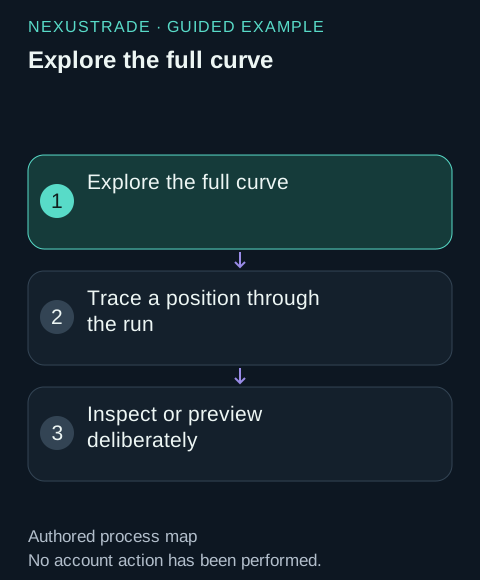
Explore the full curve
All 15 strategy examples include a completed 2024 backtest. Explore returns, drawdown, flat periods and capital deployed, then choose a trade or period to inspect. The calendar and diagonal examples executed no trades; their pages include the contract-resolution events.
- Entry condition
- Evidence: OpenOptionSignal and condition audit · What it answers: Was SPY above SMA50 and was the matching-position count zero?
- Contract selection
- Evidence: OptionResolutionAttempt and leg audit · What it answers: Which strike and expiration were requested, available and selected?
- Size decision
- Evidence: Order decisionRecord · What it answers: Did allocation, buying power or a liquidity bound limit quantity?
- Simulated fill
- Evidence: Order with status Filled · What it answers: Which side, contract, quantity, premium and fee were recorded?
A named field or event to inspect, rather than a generic options preset.
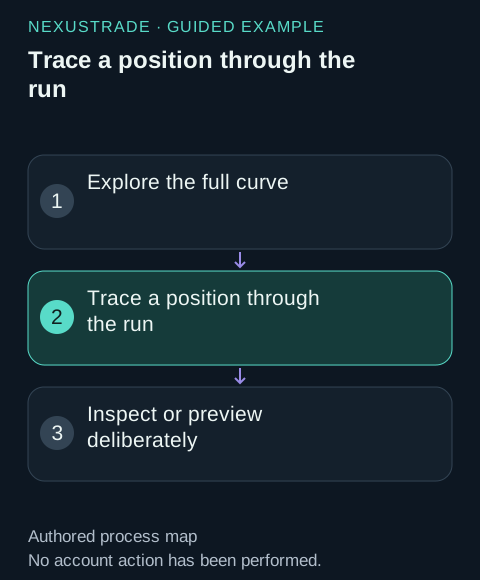
Trace a position through the run
A signal is a condition evaluation, not a fill. A close signal can emit zero orders when no matching positions qualify. Pending, Accepted and Filled are stages of the same order; do not count them as three trades. Check spread grouping and every leg when inspecting a vertical.
An explained difference between intended selector, resolved contract, sent size and simulated fill.
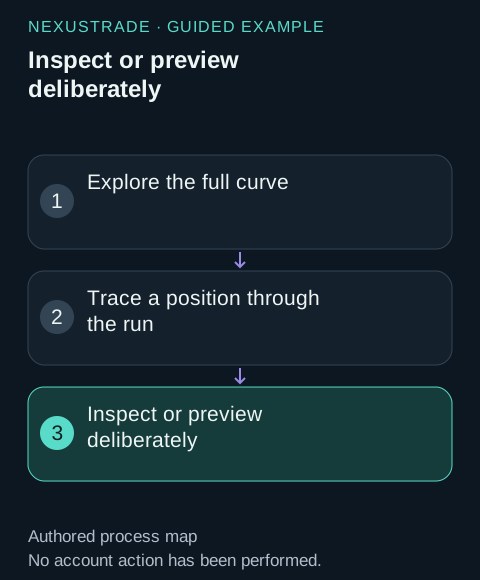
Inspect or preview deliberately
Open the contextual request with your actual returned backtest identifier when required. Review the request before sending; do not rerun simply because a result is disappointing.
A bounded review of the requested task, without automatic deployment or broker orders.
Explore the full curve
All 15 strategy examples include a completed 2024 backtest. Explore returns, drawdown, flat periods and capital deployed, then choose a trade or period to inspect. The calendar and diagonal examples executed no trades; their pages include the contract-resolution events.
Trace a position through the run
A signal is a condition evaluation, not a fill. A close signal can emit zero orders when no matching positions qualify. Pending, Accepted and Filled are stages of the same order; do not count them as three trades. Check spread grouping and every leg when inspecting a vertical.
| Entry condition | OpenOptionSignal and condition audit | Was SPY above SMA50 and was the matching-position count zero? |
| Contract selection | OptionResolutionAttempt and leg audit | Which strike and expiration were requested, available and selected? |
| Size decision | Order decisionRecord | Did allocation, buying power or a liquidity bound limit quantity? |
| Simulated fill | Order with status Filled | Which side, contract, quantity, premium and fee were recorded? |
| Exit decision | CloseOptionSignal and its close evaluations | Did a trend or DTE rule qualify, and did it emit orders? |
| Closing fill | Filled close orders | Were all intended legs closed and at which modeled prices? |
No matching rows. Clear the filter to see all records.
Query one opening without the noise
The examples publish a captured first opening and its subsequent close. To inspect your own run, query a narrow date range. The tool returns recent events first and paginates; widen dates or request another page deliberately. Request raw data when the summary leaves out the decision fields you need.
{
  "backtest_id": "<your completed backtest ID>",
  "start_date": "2024-01-02",
  "end_date": "2024-01-02",
  "event_types": [
    "OpenOptionSignal",
    "OptionResolutionAttempt",
    "Order"
  ],
  "include_condition_audit": true,
  "raw": true,
  "page": 1,
  "page_size": 20
}
Keep pricing observations separate
Use the resolver's candidate bid, ask and mid to follow contract selection and sizing. A Filled order records the execution premium, and the history records portfolio value at each snapshot. Compare these records by timestamp, symbol and side.
To explore pricing in more detail, query the raw resolution and Order events for the same position and review their recorded fields.
Inspect an adverse period too
Each strategy guide identifies the largest decline in its exported history, separately from the engine's reported maximum drawdown. Inspect positions and exits around that period, including days when an expected opening did not occur. Check selector resolution, budget, liquidity limits and quote eligibility before assuming the trading rule did nothing.
Preserve event excerpts before the 3-day retention window ends. The saved public examples contain curated captures rather than links into a private account.