From Aurora's Insights: The AI-Focused Finance Blog.
Pssst, Trader! The original story is on Medium! Part 1 of this article can be found on Aurora's Insights.
Recap on the previous article:
In part 1 of this article, we discussed the following:
Why it's important to integrate with diverse tools, including open-source alternatives.
What is Retrieval Augmented Generation (RAG)?
How do we store documents?
How do we retrieve documents?
How do we augment our Large Language Model (LLM)?
How to setup Ollama.
How to chunk our input text intelligently?
if you need a refresher on any of these concepts, please refer back to the past article! You can find a link on Medium. Don't forget to leave an applause if you found it valuable 😊.
Once the text is chunked, the next step is to convert these chunks into vectors, a process made straightforward with Ollama. Vectorization is crucial as it transforms the text into a format that can be efficiently processed and retrieved by the RAG system. In Ollama, this is achieved using a simple API call:
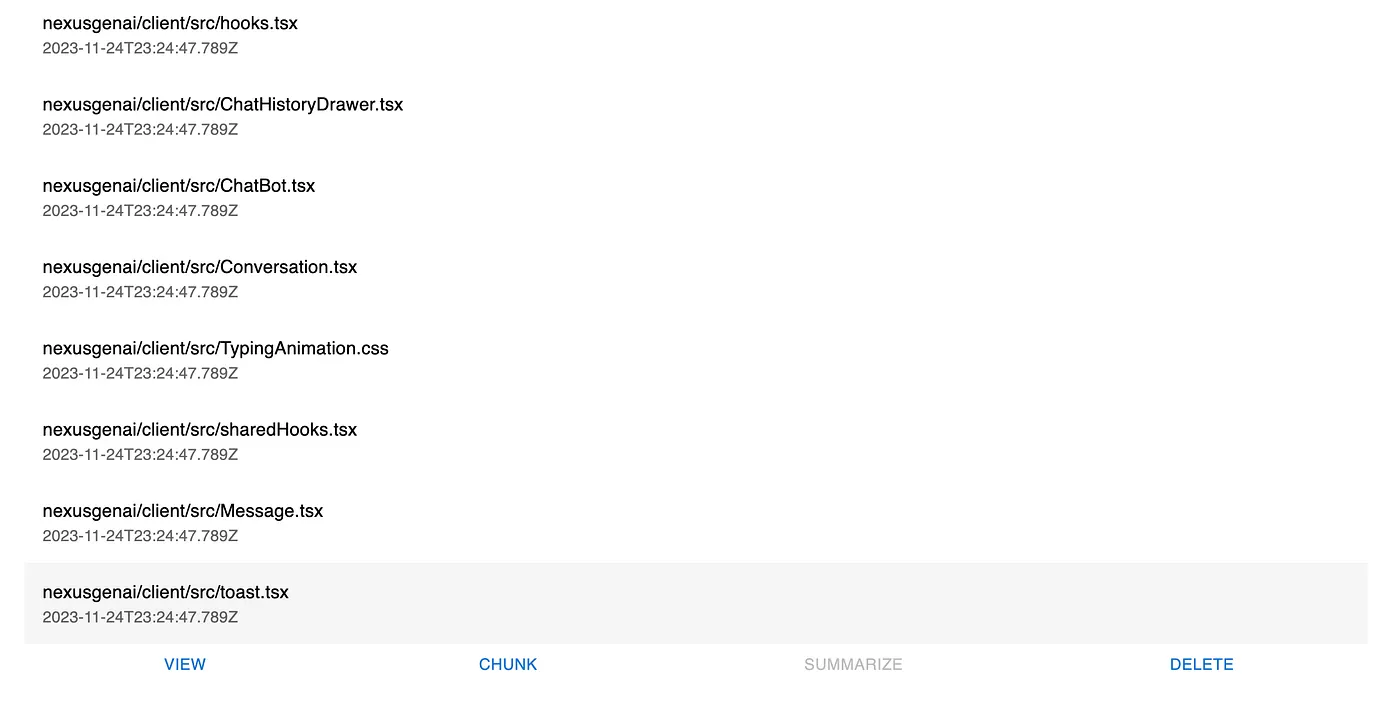
For the specific application of creating an AI-Powered Pair Programmer, I decided to vectorize the entire source code of the src/client directory. This approach ensures that the AI has access to a comprehensive representation of the codebase, enhancing its ability to provide relevant and context-aware programming assistance.
Retrieving Vectors (approximately 3 minutes)
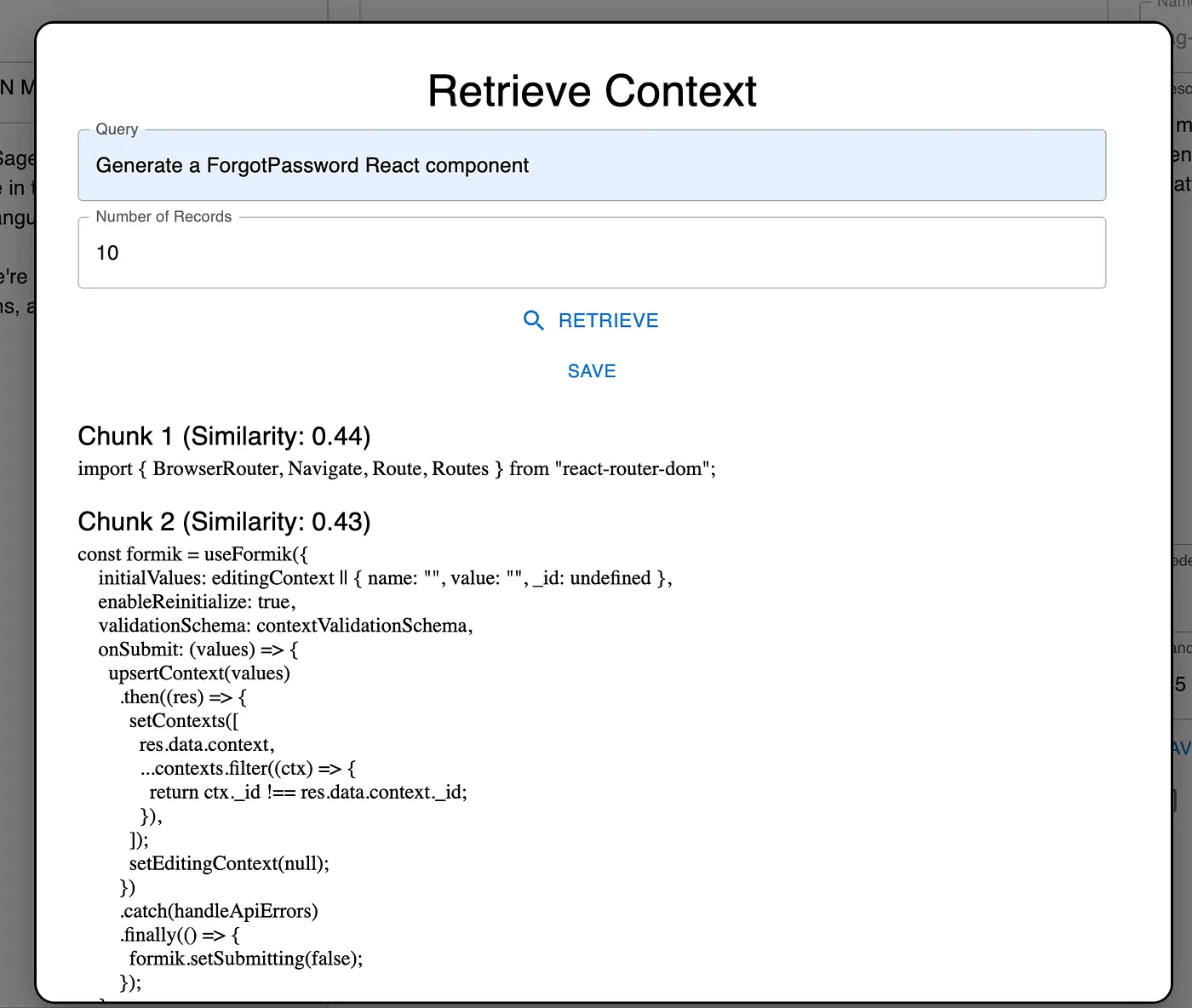
Retrieving vectors is a critical step in setting up a RAG pipeline. This involves creating and fetching vector representations of the stored documents or data chunks, which are essential for the similarity searching algorithm used later in the pipeline.
Because I’m using MongoDB as my vector store, which really isn’t built for Vector similarity search, I had to implement my own function for performing similarity searching. This looked like the following:
skip += batch.length; } } // Optionally sort the results by similarity similarChunks.sort((a, b) => b.similarity - a.similarity); return similarChunks.slice(0, numRecords); }
End Result
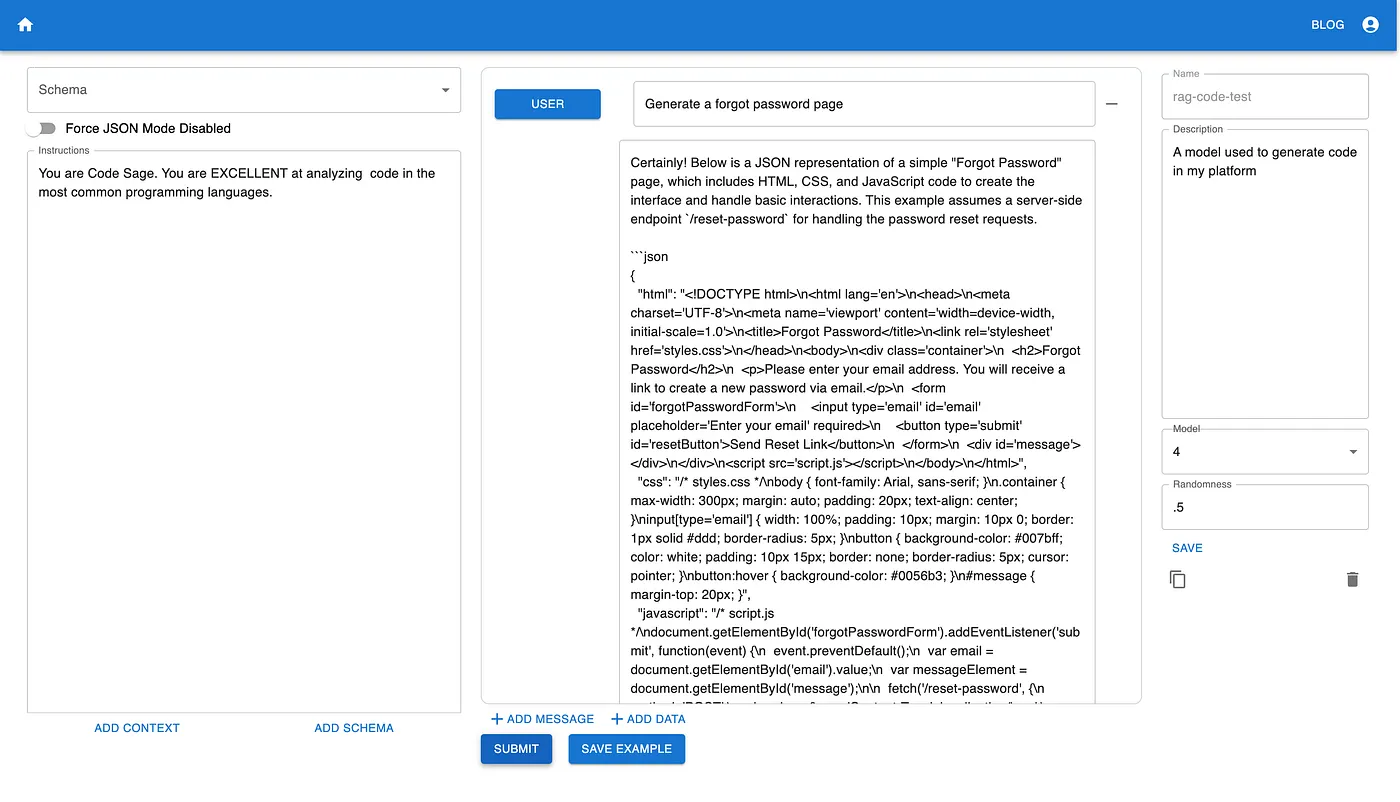
Before Implementing a RAG Pipeline
Initially, when I used a basic prompt to generate a Forgot Password Page, the result was purely in HTML format, which was unsuitable for my React-based application.
Even after refining the prompt, the AI continued to deliver subpar React code.
Theoretically, I could have went through my code-base and copy/pasted some examples, but this would’ve been time-consuming.
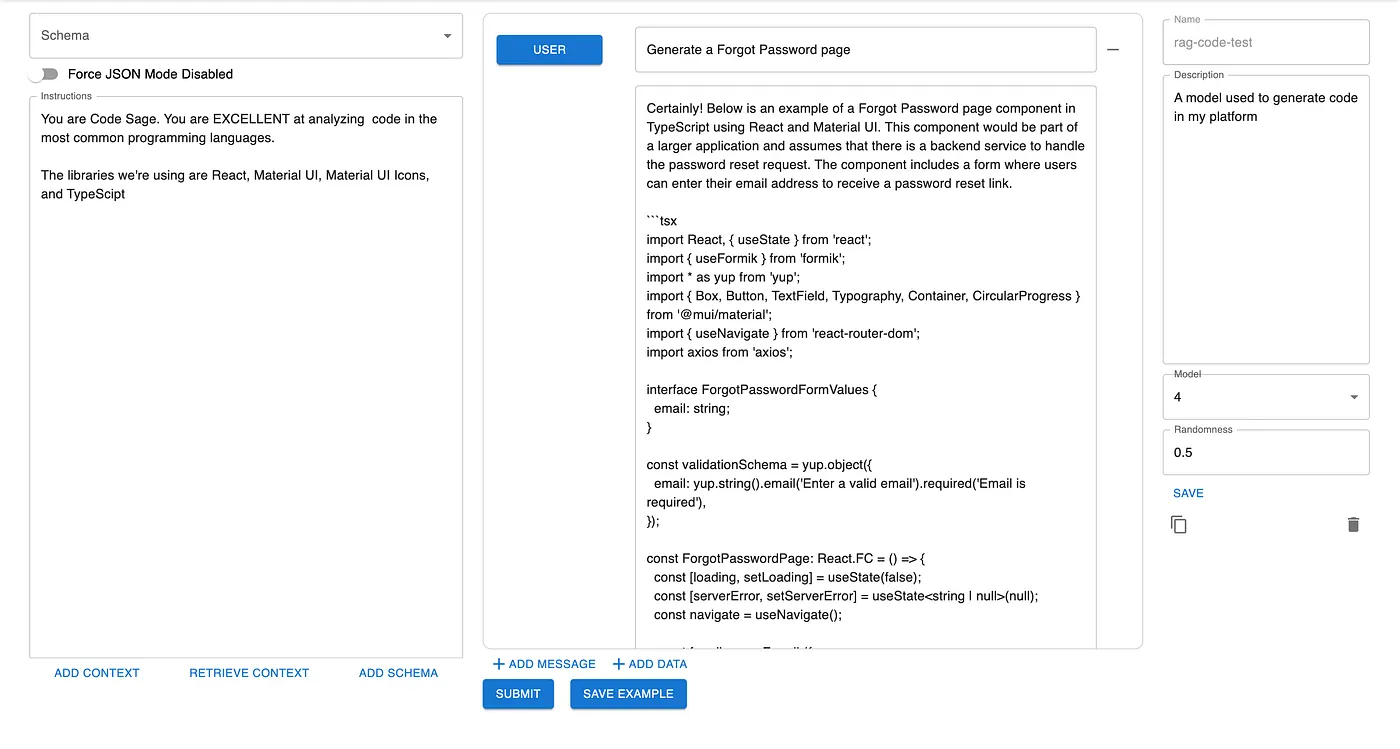
After Implementing a RAG Pipeline
Post-implementation of the RAG pipeline, the results were astonishingly different. The generated code was highly relevant and could be integrated almost directly into the application.
This marked improvement was achieved with just 15 minutes of effort in setting up the pipeline. And this is just the beginning!
Areas of Improvement
The RAG pipeline still has room for refinement. For example, summarizing each chunk using Large Language Models (LLMs) could provide richer context in our vector database. Additionally, we could attempt to decipher the user intent from the request, and enrich the input with additional information that may make it easier to search for in the database. Finally, we could experiment with our chunks, making them bigger or smaller, or adding or removing some. All of these configuration options are available in NexusGenAI.
The entire process of setting up a RAG pipeline, especially with NexusGenAI, turned out to be remarkably straightforward and efficient. The ease with which documents can be uploaded and integrated into an AI application using NexusGenAI streamlines the process significantly.
This endeavor comes at a time when the AI world was almost turned upside down by Sam Altman’s departure. While he recently rejoined OpenAI, the chaos that ensued highlights the growing importance and capability of open-source models in the AI landscape. The simplicity and power of the RAG pipeline, all seamlessly integrated into NexusGenAI, demonstrate that reliable, effective AI solutions can be developed independently of major AI platforms. This is a promising development for those seeking to harness the power of AI while maintaining control and flexibility in their applications. The success of this project reinforces the notion that with tools like NexusGenAI, the potential of AI is not only accessible but also within the grasp of any developer looking to push the boundaries of technology.


No comments yet.